Why Your Remote Session Keeps Falling Apart (And It's Not Your Gear)

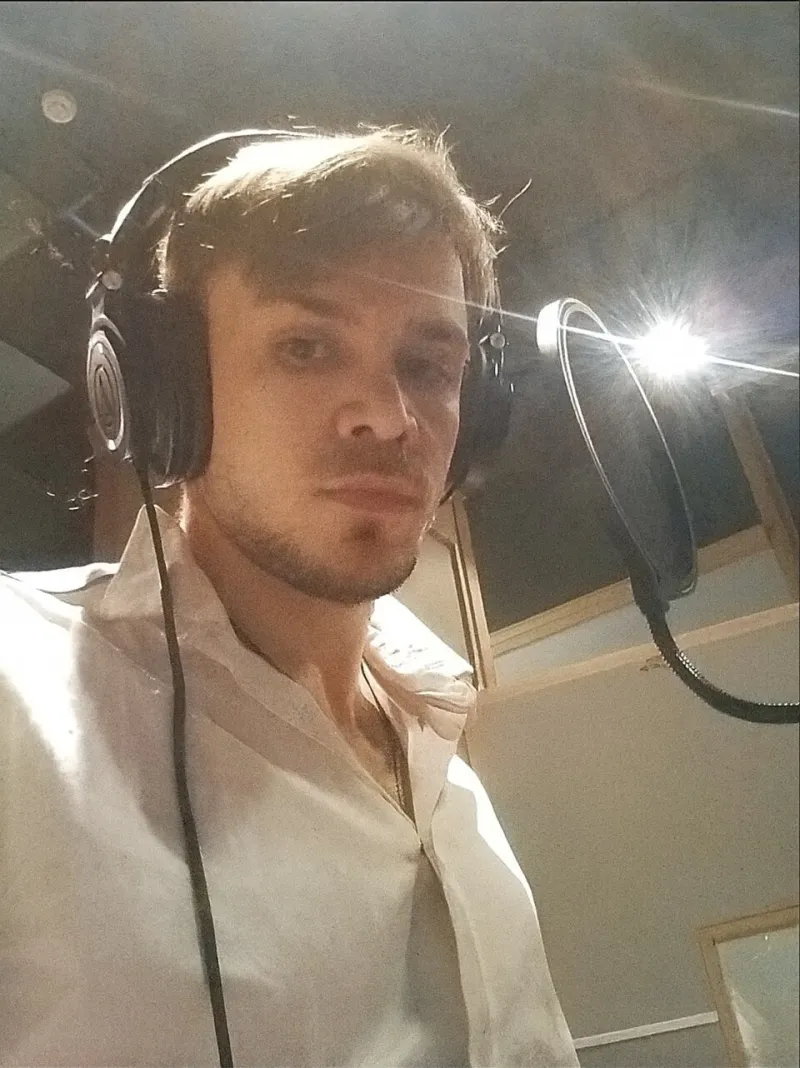
Photo: Cindy.kraus1967, CC BY-SA 4.0, via Wikimedia Commons
You've invested in a decent audio interface. Your DAW is set up properly. Your mic sounds great. So why does every remote session with your collaborator in Los Angeles — or even just in Berlin — feel like you're both playing underwater?
The frustrating truth is that the problem often has nothing to do with your studio setup. It lives somewhere between your router and a server farm thousands of miles away. And if you're based in the UK, you're dealing with a specific set of internet infrastructure quirks that make real-time remote recording genuinely harder than it is for producers in, say, central Europe or the eastern United States.
Let's break down what's actually happening.
Ping, Latency, and Why Distance Still Matters in 2024
Latency — the delay between you playing something and your collaborator hearing it — is the enemy of real-time remote recording. It's measured in milliseconds, and even relatively small amounts can destroy the feel of a live performance.
For comfortable real-time playing, most engineers recommend keeping round-trip latency under 30ms. For anything approaching a genuine groove, under 20ms is the target. The problem? Physics.
Data travels through fibre optic cables at roughly two-thirds the speed of light. That sounds fast, but the UK's geographic position means that a signal travelling to New York and back covers somewhere in the region of 10,000 kilometres. Even under ideal conditions, that introduces around 50ms of latency before you've accounted for routing, processing, or anything else. You're already over the comfortable threshold before a single packet has been processed.
Collaborating with someone in Europe is more forgiving — London to Amsterdam might sit around 10–15ms — but transatlantic and Asia-Pacific sessions are a different story entirely.
The UK Infrastructure Problem
Beyond raw distance, UK producers face some specific infrastructure headaches. Much of the country's internet traffic is routed through London's major exchange points, which means that even domestic connections can experience congestion during peak hours. If you're in Manchester, Leeds, or Glasgow trying to run a session in the evening, you might be competing with half the country's Netflix traffic.
Broadband speeds in the UK have improved dramatically, but upload speeds — which matter enormously for audio streaming — still lag behind download speeds on most standard packages. FTTC (Fibre to the Cabinet) connections, which are still common outside major cities, can offer inconsistent upload performance depending on how far you are from the cabinet. If you're in a rural area on an older ADSL connection, real-time audio collaboration is going to be a significant uphill battle.
Full fibre (FTTP) connections are rolling out across more of the UK, and if you have access to one, it's worth the upgrade purely for studio use. Symmetrical upload and download speeds make a tangible difference to remote session reliability.
Buffer Settings: The Dial You're Probably Ignoring
Most producers set their DAW buffer size once during initial setup and never touch it again. For remote sessions, this is a mistake.
Your audio interface buffer setting controls how much audio your system processes in each chunk. Lower buffer sizes reduce latency but increase the processing load on your CPU. Higher buffer sizes reduce CPU strain but introduce more delay.
For in-person recording, you want a low buffer — 64 or 128 samples is typical. But for remote sessions where you're already dealing with network latency, running a very low buffer adds processing overhead without meaningfully improving the experience. Bumping up to 256 or even 512 samples during remote work can actually stabilise your connection and reduce dropout artefacts, because your system isn't struggling to keep up with both the network stream and the audio processing simultaneously.
The key is matching your buffer settings to the task at hand. Get into the habit of adjusting this before each session rather than treating it as a set-and-forget setting.
Software That Understands the Problem
Dedicated remote session platforms have emerged precisely because standard video call tools are useless for audio work. Applications like Audiomovers Listento, Source-Connect, and Sessionwire are built with low-latency audio streaming in mind, using compression algorithms optimised for musical content rather than speech.
Jamulus and similar open-source tools take a different approach, designed specifically for real-time ensemble playing. They work best when all participants have fast, stable connections — typically under 50ms round-trip — which makes them more suitable for European collaborations than transatlantic ones from the UK.
For sessions where real-time playing simply isn't feasible due to geographic distance, asynchronous collaboration tools like Splice, Dropbox with version control, or even a shared Google Drive folder can be more practical. You record your part, upload it, your collaborator adds theirs. It lacks the energy of a live session, but it sidesteps the latency problem entirely.
Practical Fixes You Can Apply Today
Before your next remote session, run through this checklist:
Use a wired connection. Wi-Fi introduces jitter — inconsistent packet delivery — that's far more disruptive to audio than a slightly slower but stable wired connection. An ethernet cable from your router to your computer is one of the cheapest and most effective upgrades you can make.
Test your connection before the session. Tools like Speedtest.net will show you upload speed and ping. More useful for audio work is a jitter test — search for one specifically. Consistent ping matters more than peak speed.
Close background applications. Anything that uses bandwidth — software updates, cloud sync services, streaming — should be paused during a session. Even small background uploads can cause dropouts at critical moments.
Talk to your ISP about business broadband. Business packages often include traffic prioritisation and more consistent upload speeds. If you're doing regular remote work, it may be worth the additional monthly cost.
Consider your session timing. UK internet congestion peaks in the early evening. If you can schedule transatlantic sessions in the morning — which works well with US East Coast collaborators in the afternoon — you'll likely get more stable performance.
When to Accept the Limitations
Here's the honest reality: for some collaborations, real-time remote recording simply isn't going to feel like being in the same room. The physics don't bend to your workflow preferences.
The producers who get the most out of remote collaboration are the ones who adapt their process rather than fighting the infrastructure. That might mean pre-recording guide tracks, working asynchronously for tracking and only connecting live for creative discussions, or using the latency as an excuse to be more deliberate about arrangement decisions before the session starts.
The best remote sessions we've seen come from producers who treat the constraints as part of the creative process rather than obstacles to it. Your internet connection might be imperfect, but with the right setup and realistic expectations, it doesn't have to be a dealbreaker.